Giant drill tower gets silver finish

LATEST ARCHITECTURE NEWS:
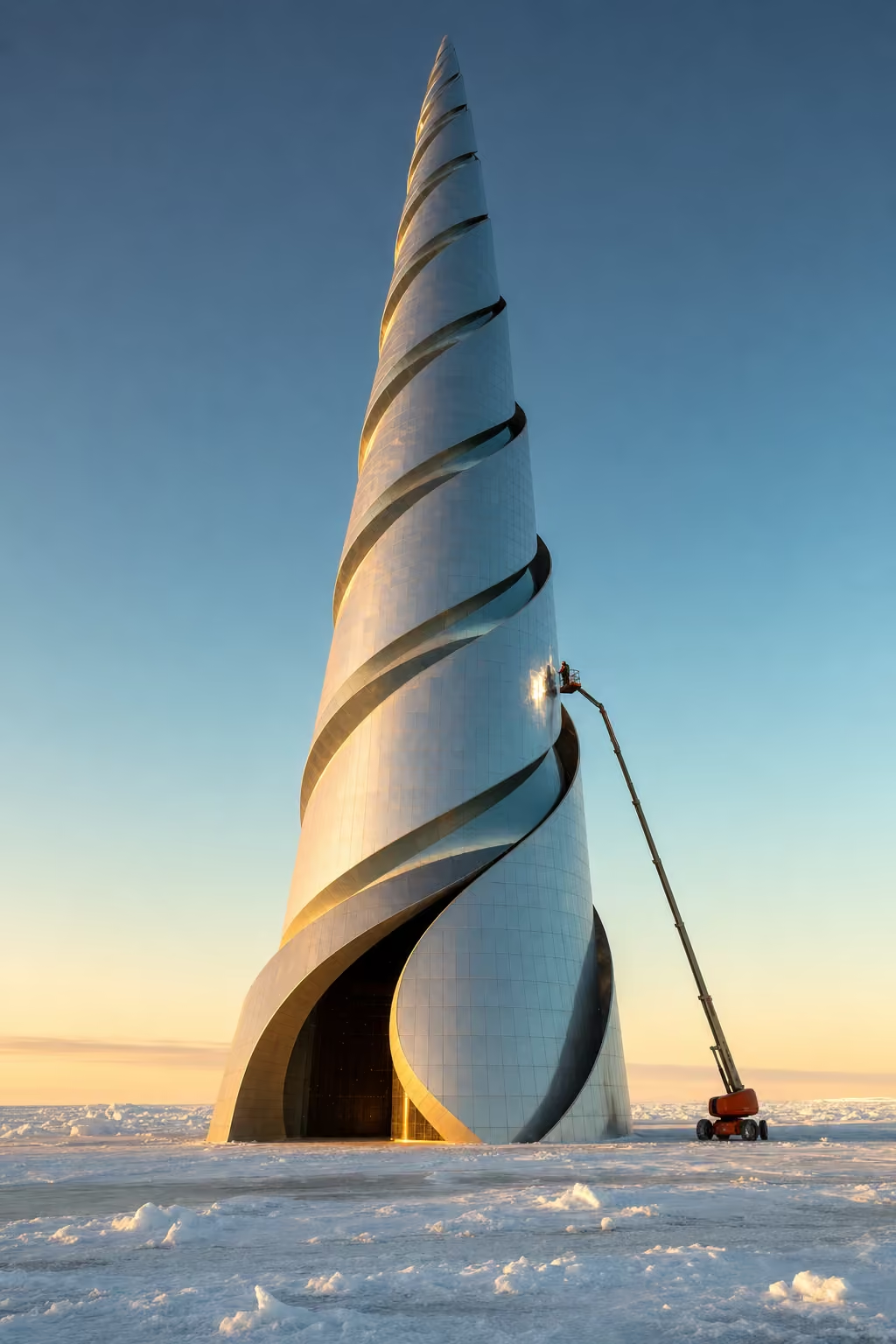 Tax Drill Tycoon, Northwest Passage Holdings
Giant drill tower gets silver finish
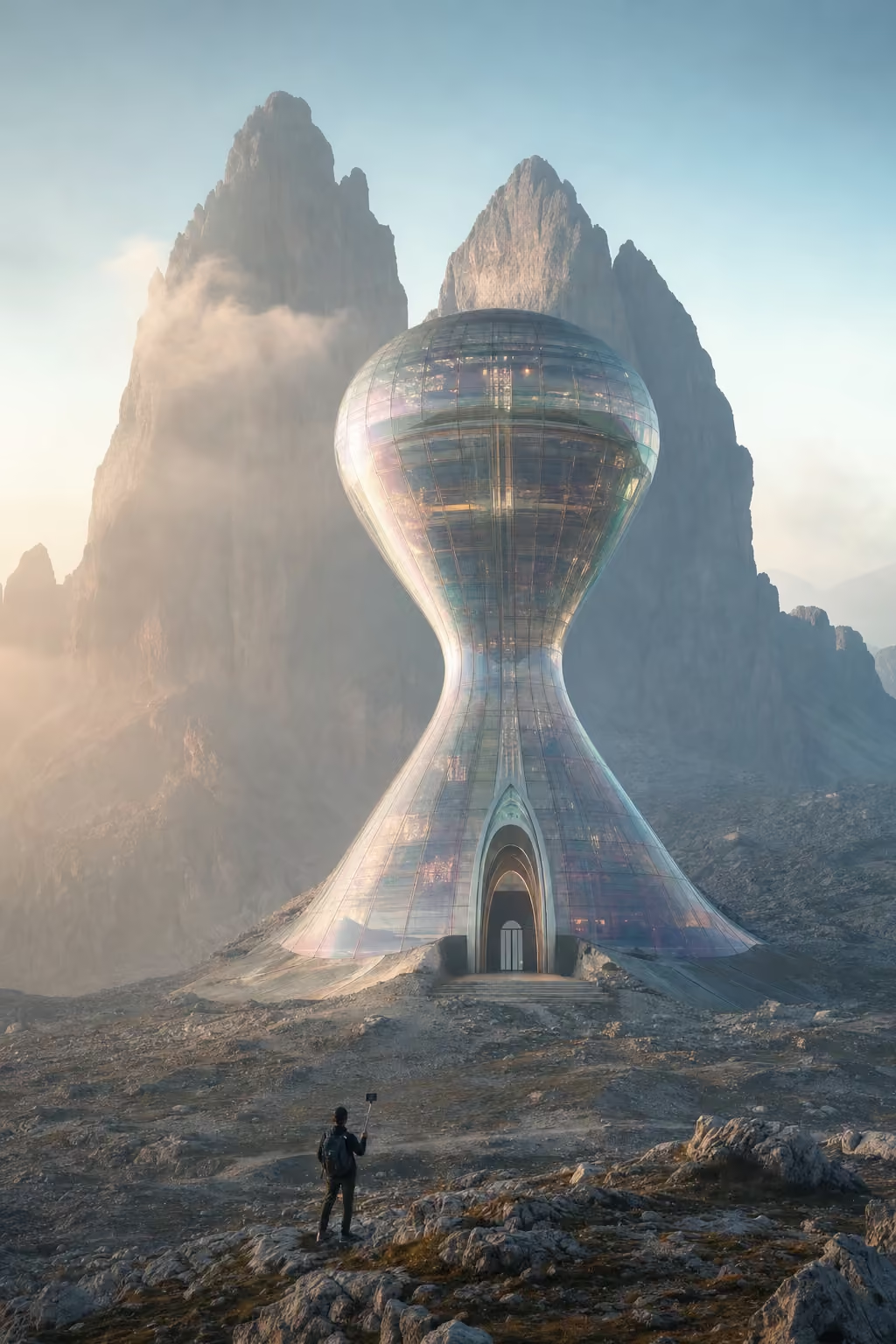 Hourglass Habitat, Cime Timeless Summit
Future living as a giant hourglass, capturing time in adaptive glass
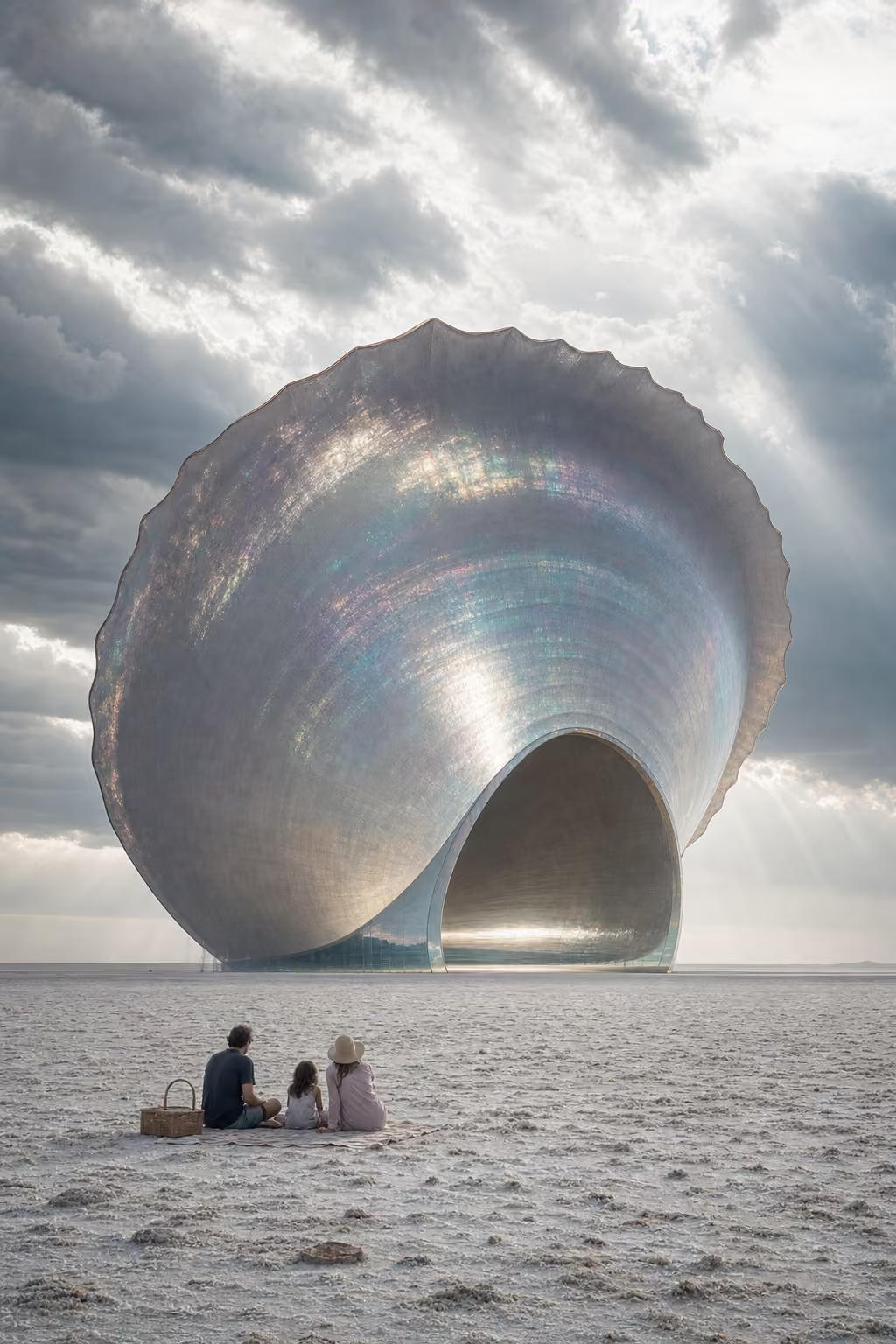 Bipartisan Bivalve Monument, Salted Sea of Absurdity
A giant clamshell representing monument inflation, reflecting political grandiosity in shimmering hues.
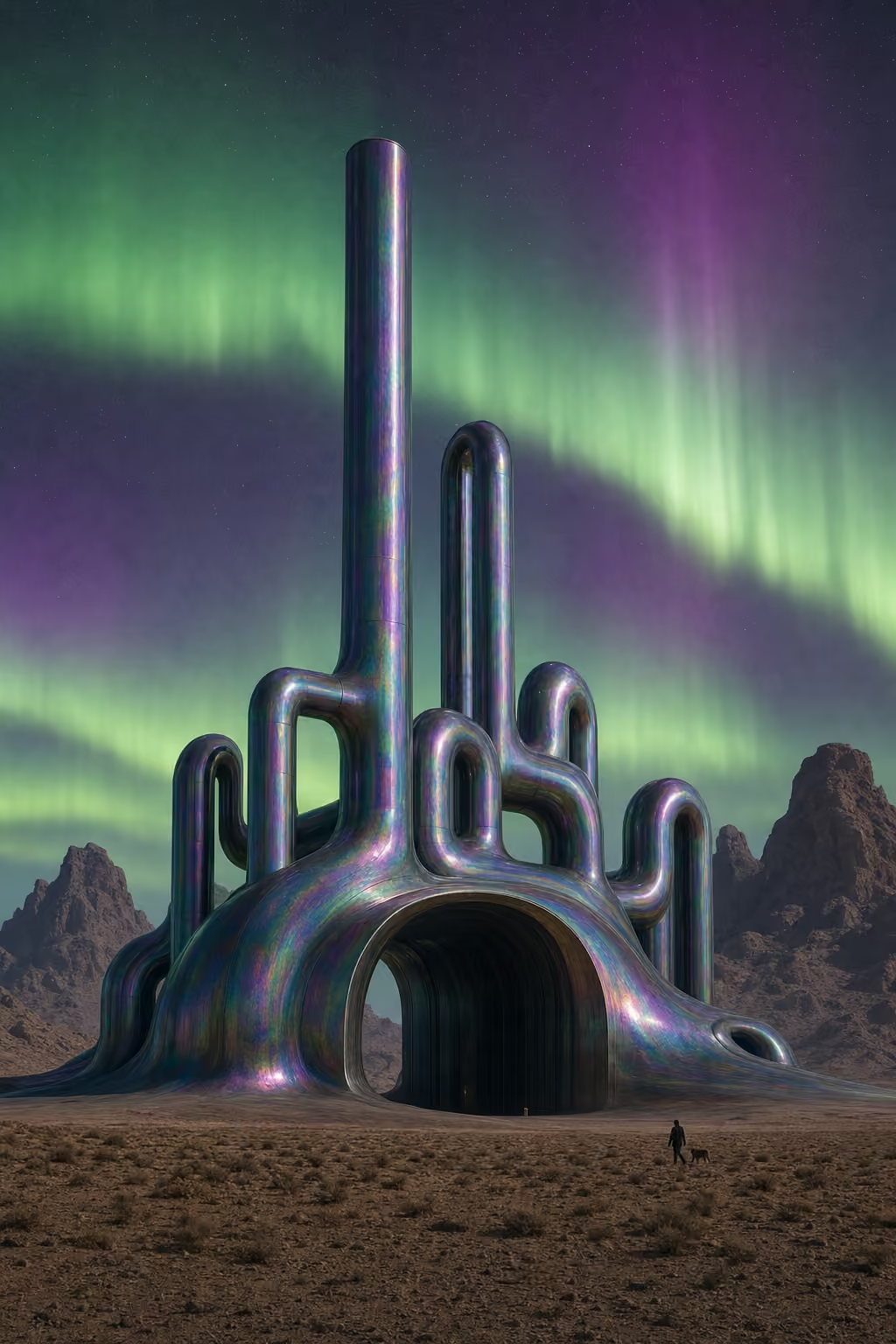 Petro-Heritage Sprawl, Fossil Mirage Preserve
Oil refinery-inspired ribbon building infused with aurora-lit prismatic surfaces.
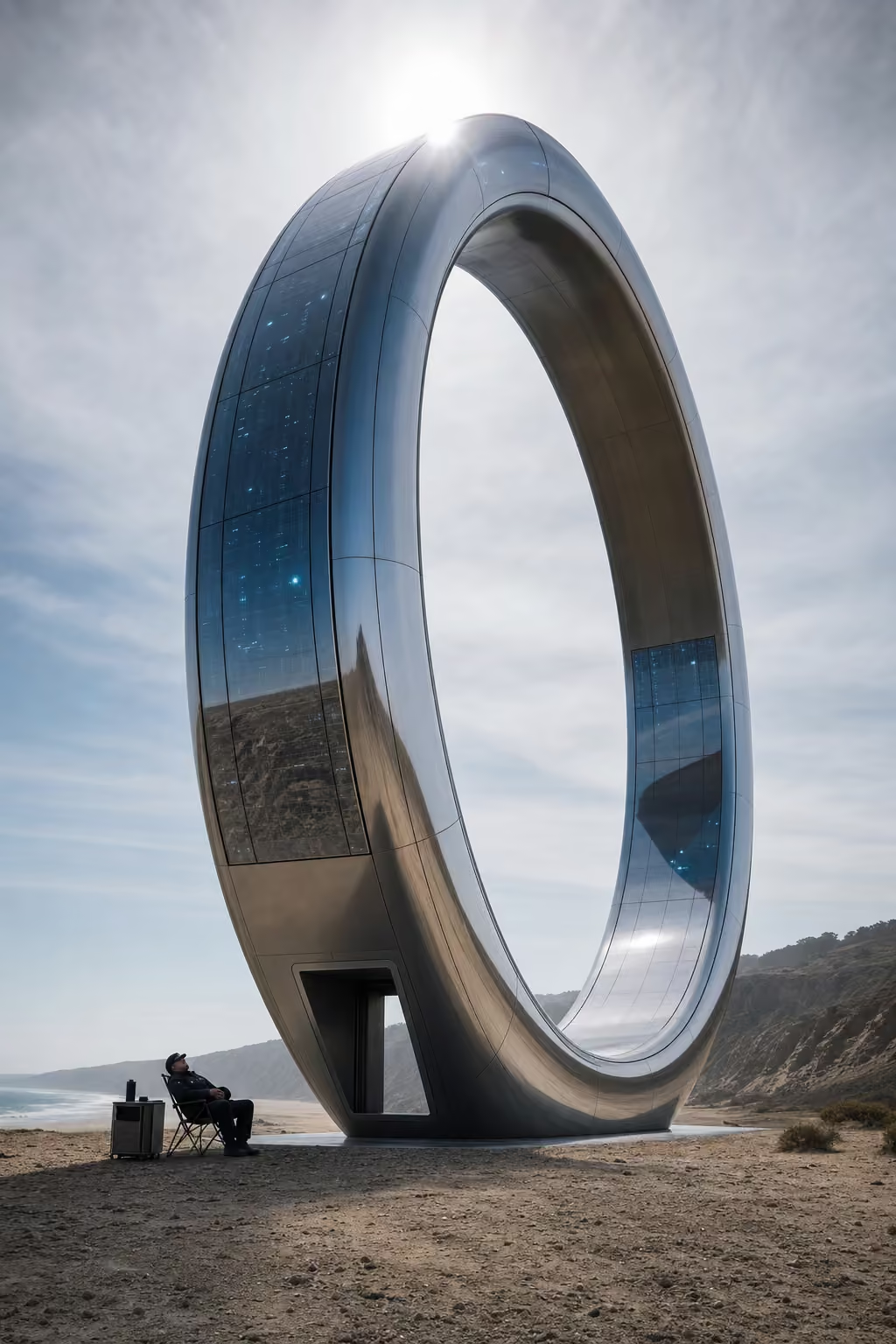 MacBook Max Residency, Torrey-Terra Byte Zone
A colossal ring-shaped MacBook with glowing touchscreen walls
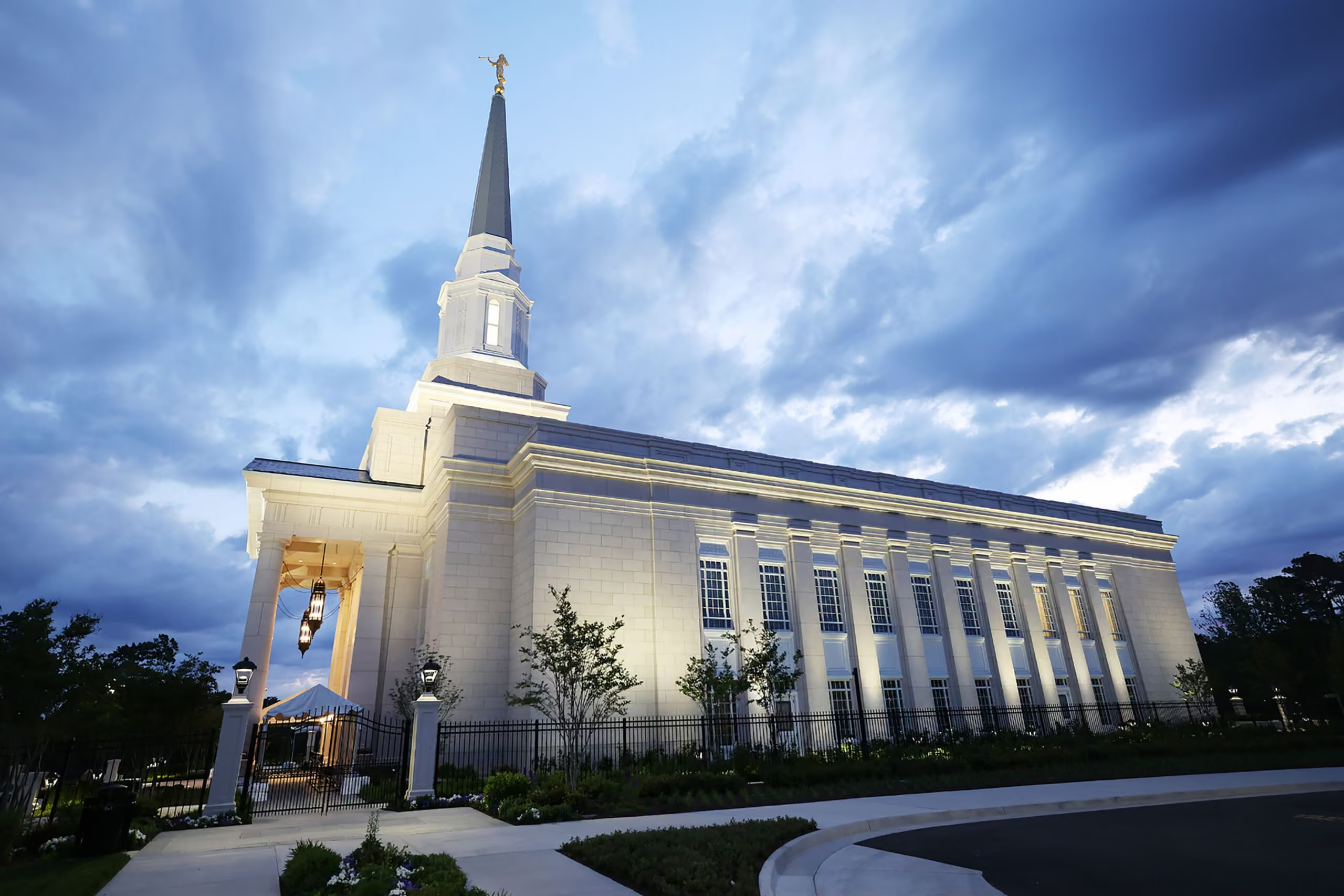 Portuguese Stone – The Natural Path
Portuguese natural stone is seeking a larger role in the next generation of high-end American buildings, with an international campaign drawing on an established portfolio that includes New York’s Perelman Performing Arts Center, Brooklyn’s Atlantic Terminal and Miami’s Espírito Santo Plaza. The United States is a target market for “Portuguese Stone – The Natural Path,” […]
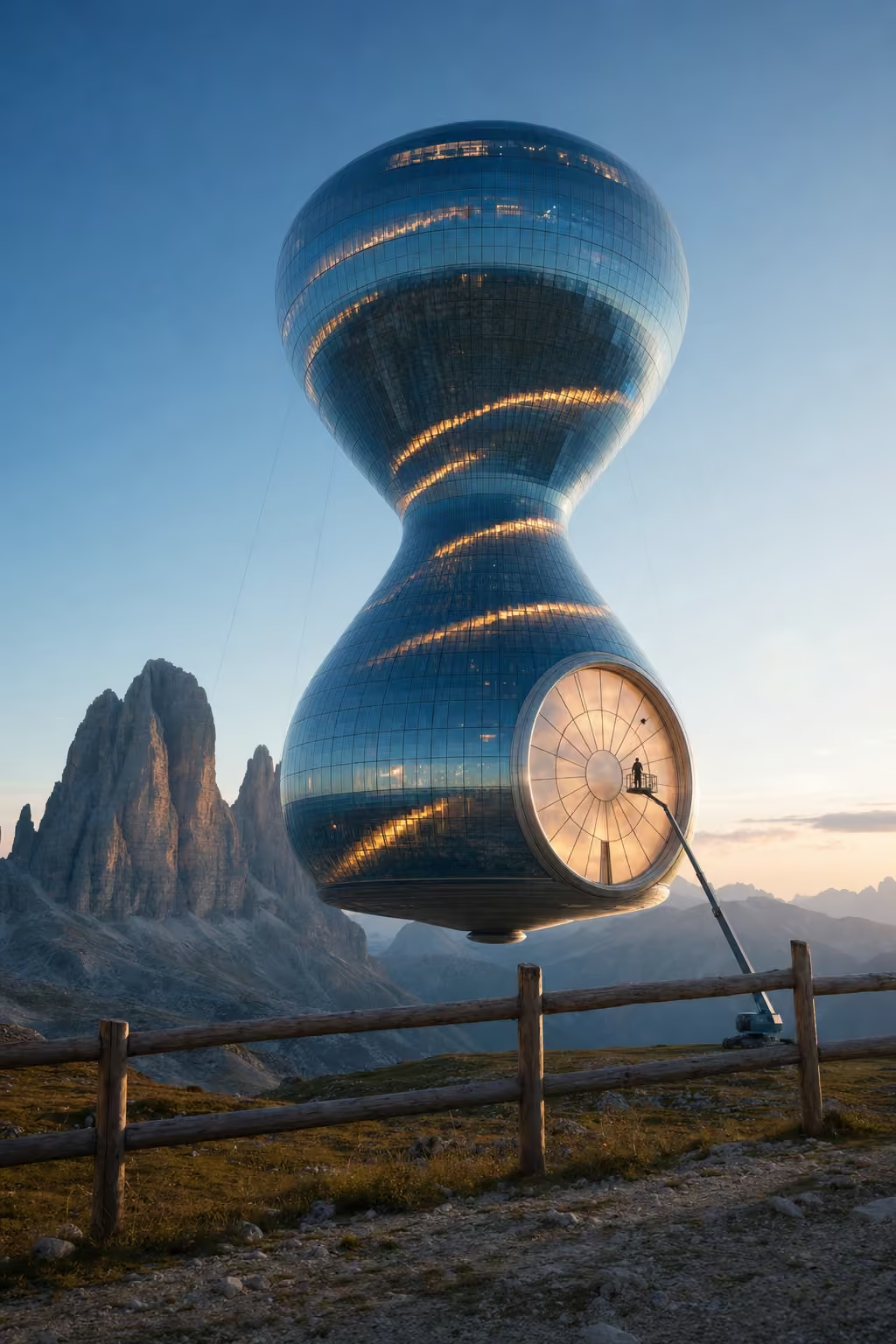 Time's Up Housing Unit, Eternal Elevation Peaks
A floating hourglass made of transparent blue glass shaped like a clock.
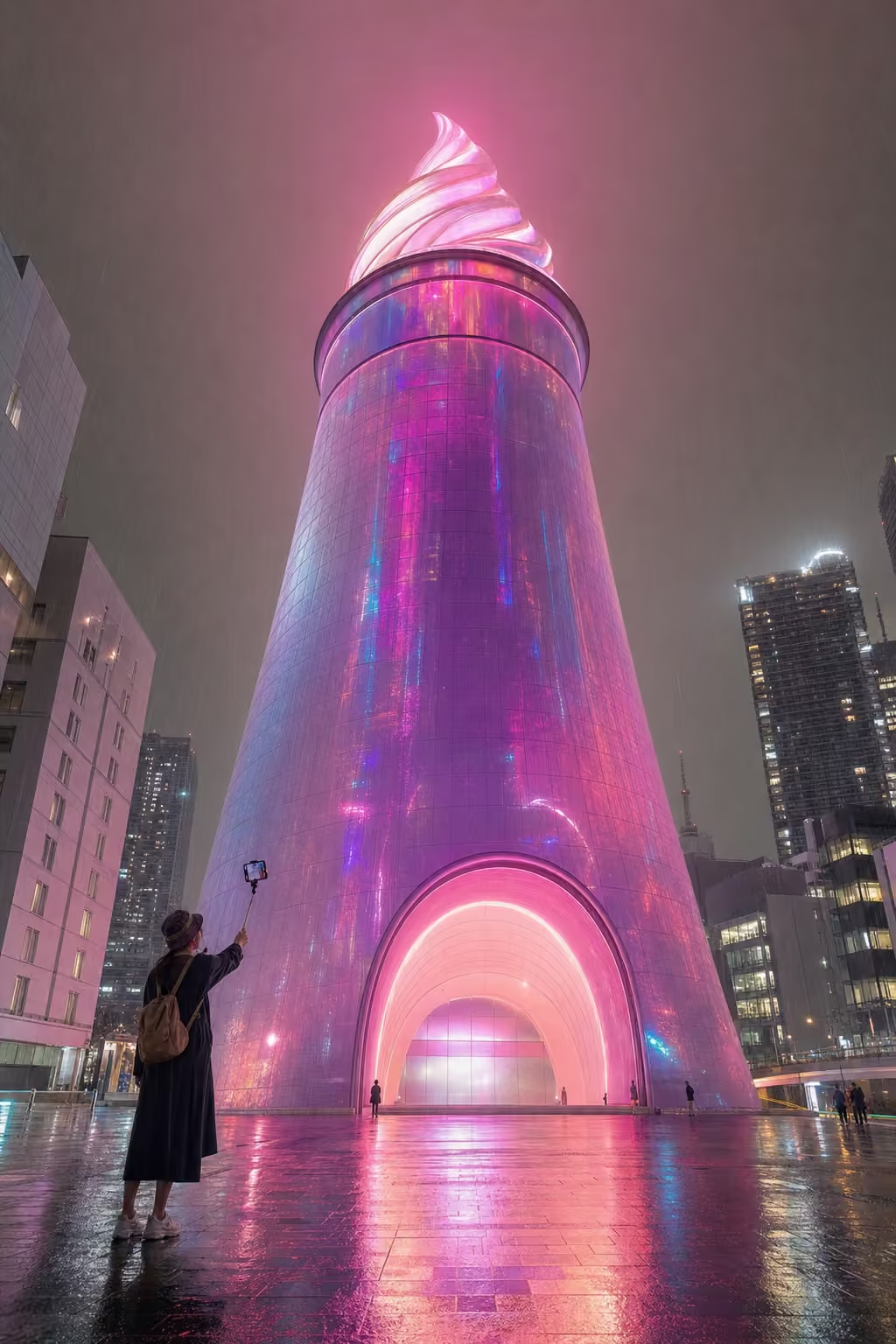 Frosty Micro-Lux, Tokyo Mega-Topping Zone
A giant Frosty cup sculpted in neon rainbows.
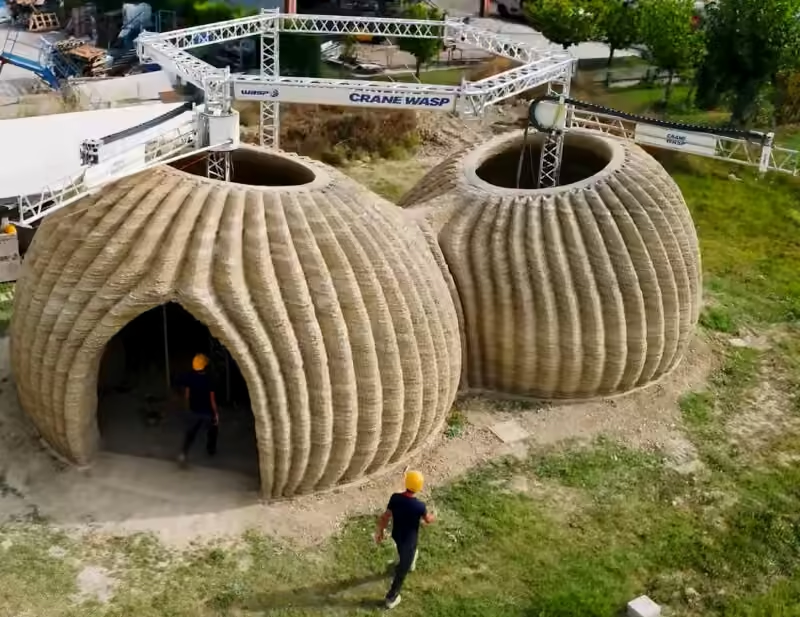 Wasp 3d Printed House: How It Redefines Sustainable Living
Explore how the Wasp 3D printed house reduces costs and environmental impact while tackling affordable housing. Learn more about this innovative approach.
 The Desert Cruise Illusion, Coachella Mirage Bay
Marooned cruise liner promising tropical living amidst desert sands, clad in shimmering silver.
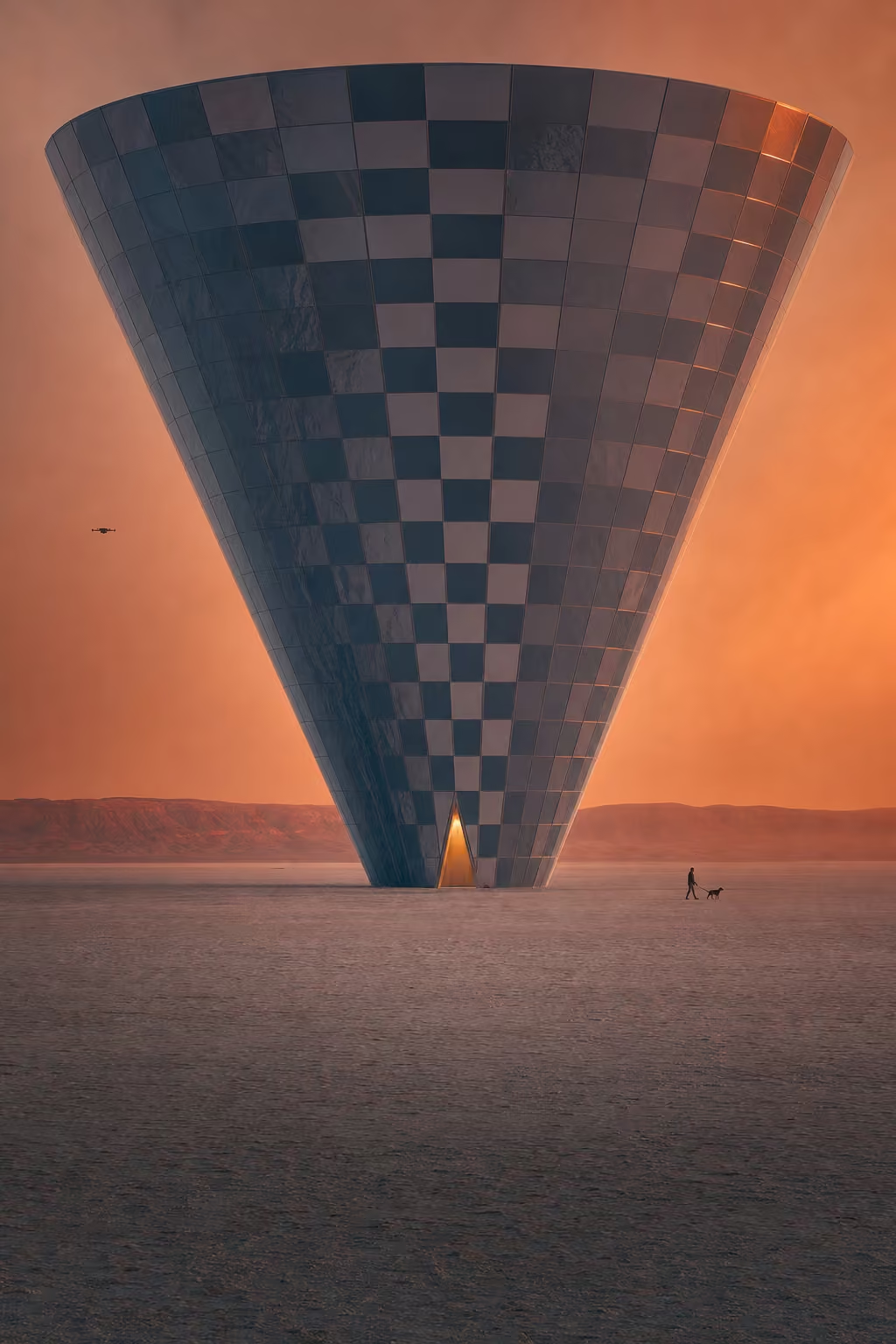 Loading User Data, Karijini Infinite Loop
A 130-meter building shaped like a loading spinner made of chrome and glass.
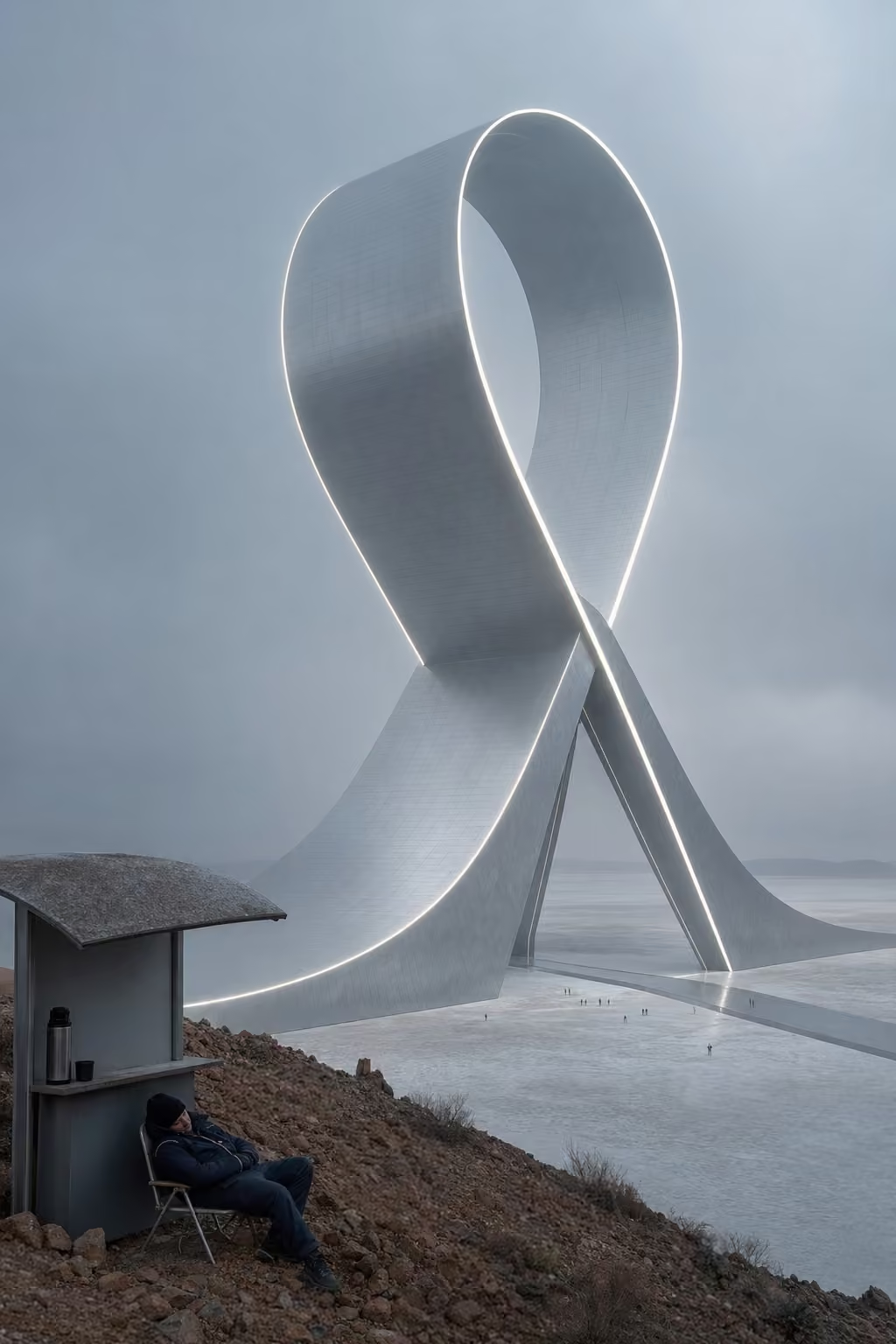 Perpetual Ribbon-Cutting, Looming Lake Ceremony
Scissors Building in silver, looping over salt for irony.
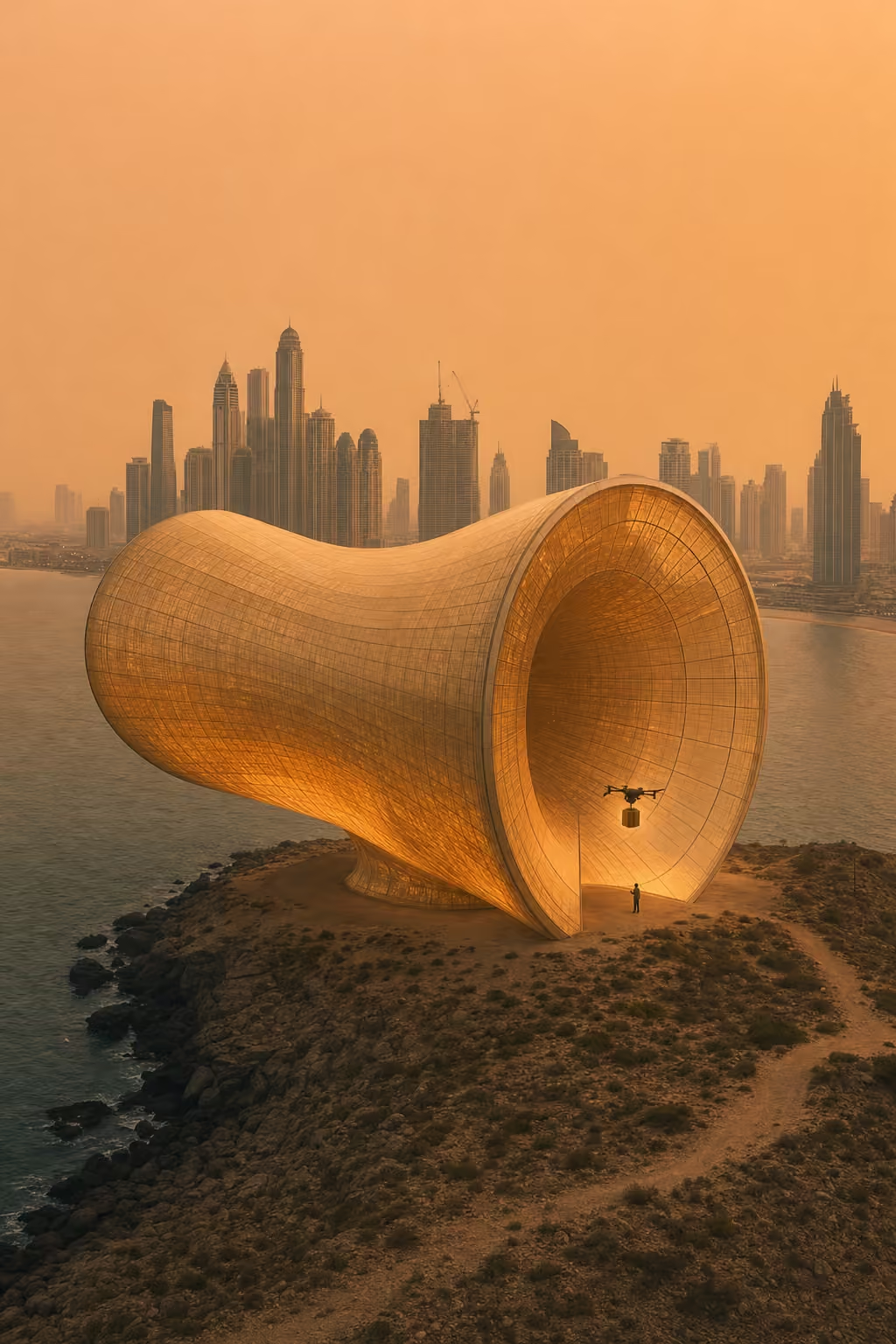 Luxury Time Capsule, Elastic Dubai Departure District
A colossal hourglass-shaped terminal made of glowing nano-glass.
 ,
,
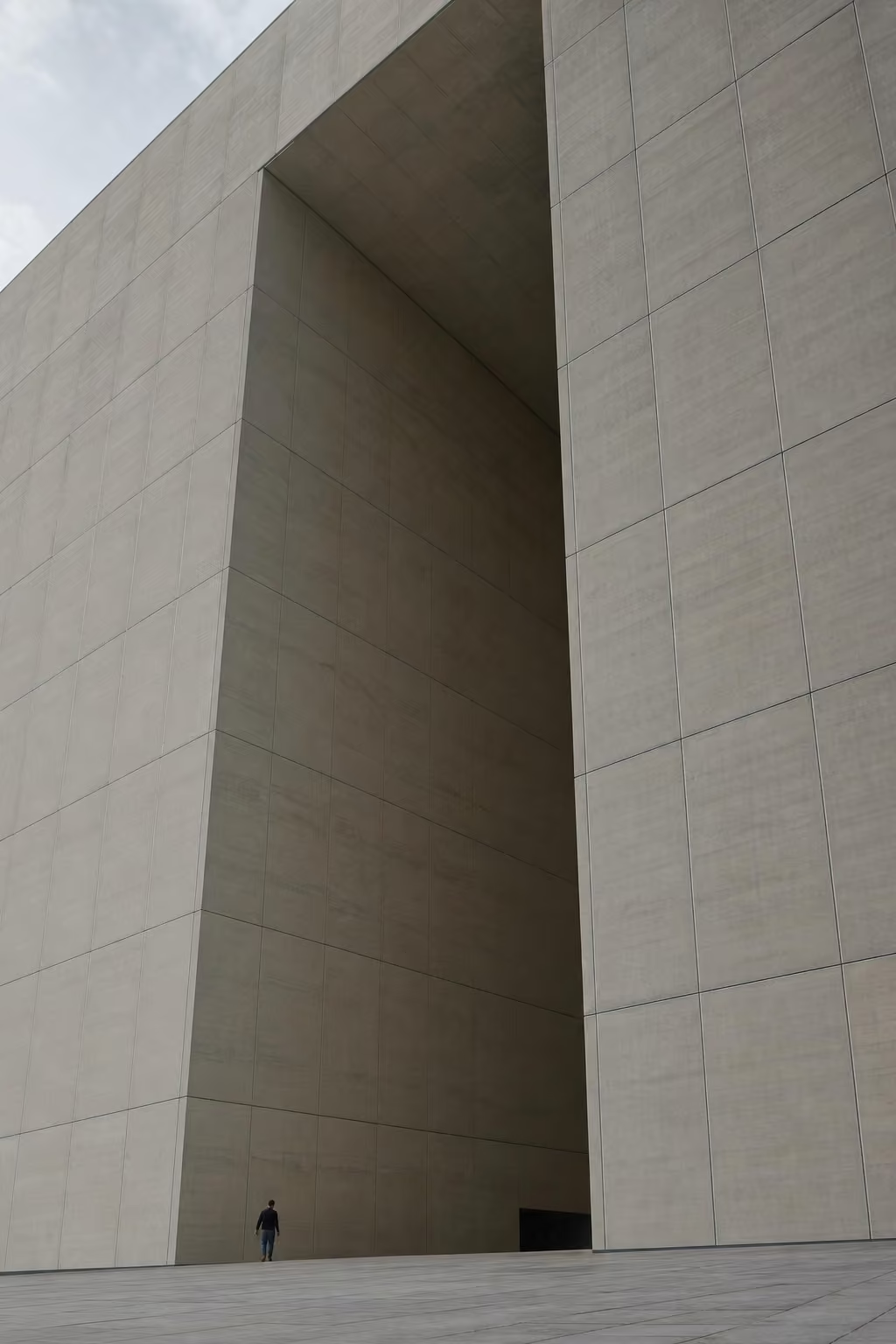
Site: (formerly Mount Dandenong, Victoria, Australia) The Site Mount Dandenong is already a place where the weather arrives with a theatrical agent. Fog folds over the Tourist Road, SkyHigh looks out across Melbourne, and every second visitor behaves as if they personally discovered altitude. It is therefore the correct location for the next phase of […]
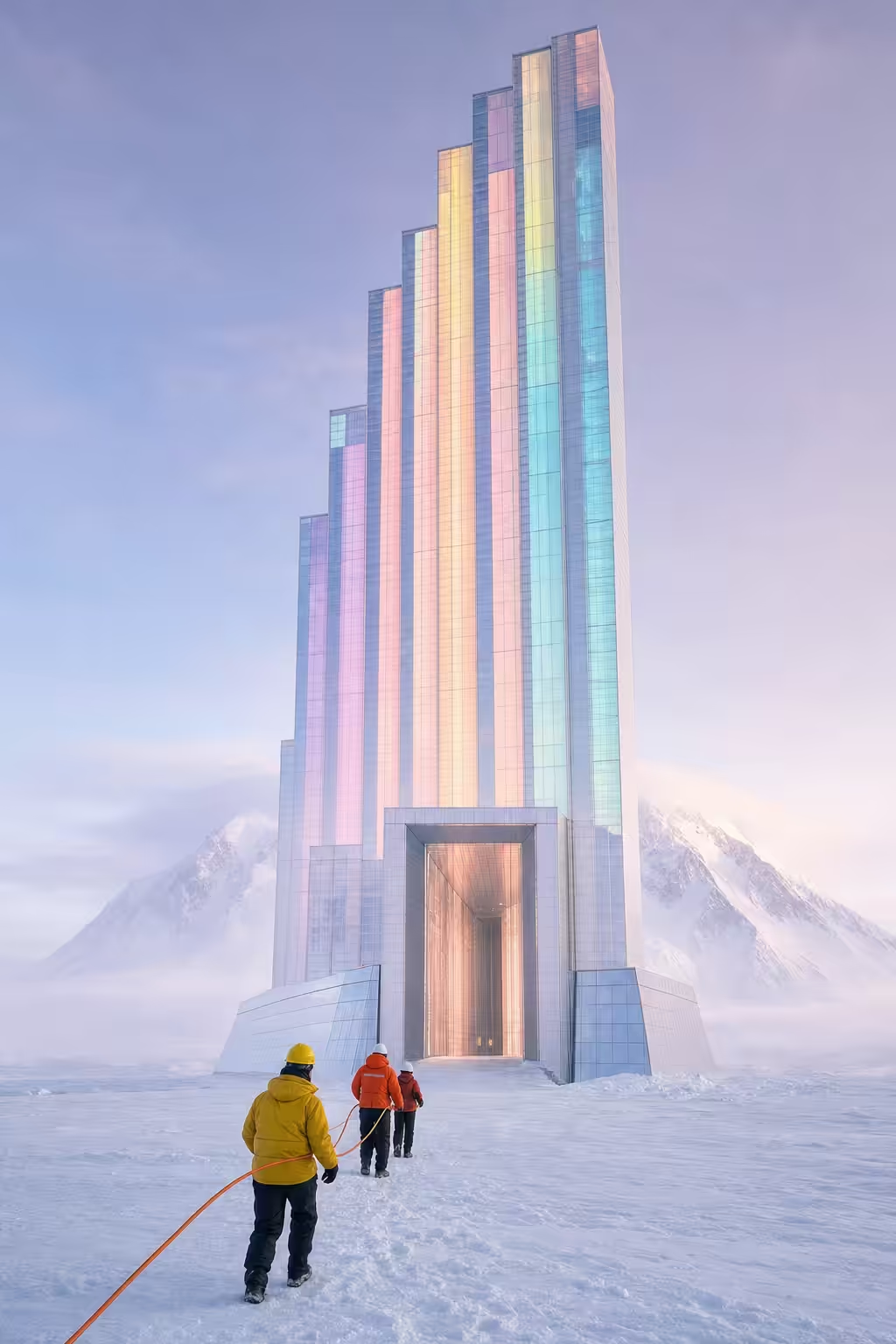 Gerrymandering Heights, Map Vinson Reconfiguration Zone
A self-adjusting apartment tower of shifting bar graph segments.
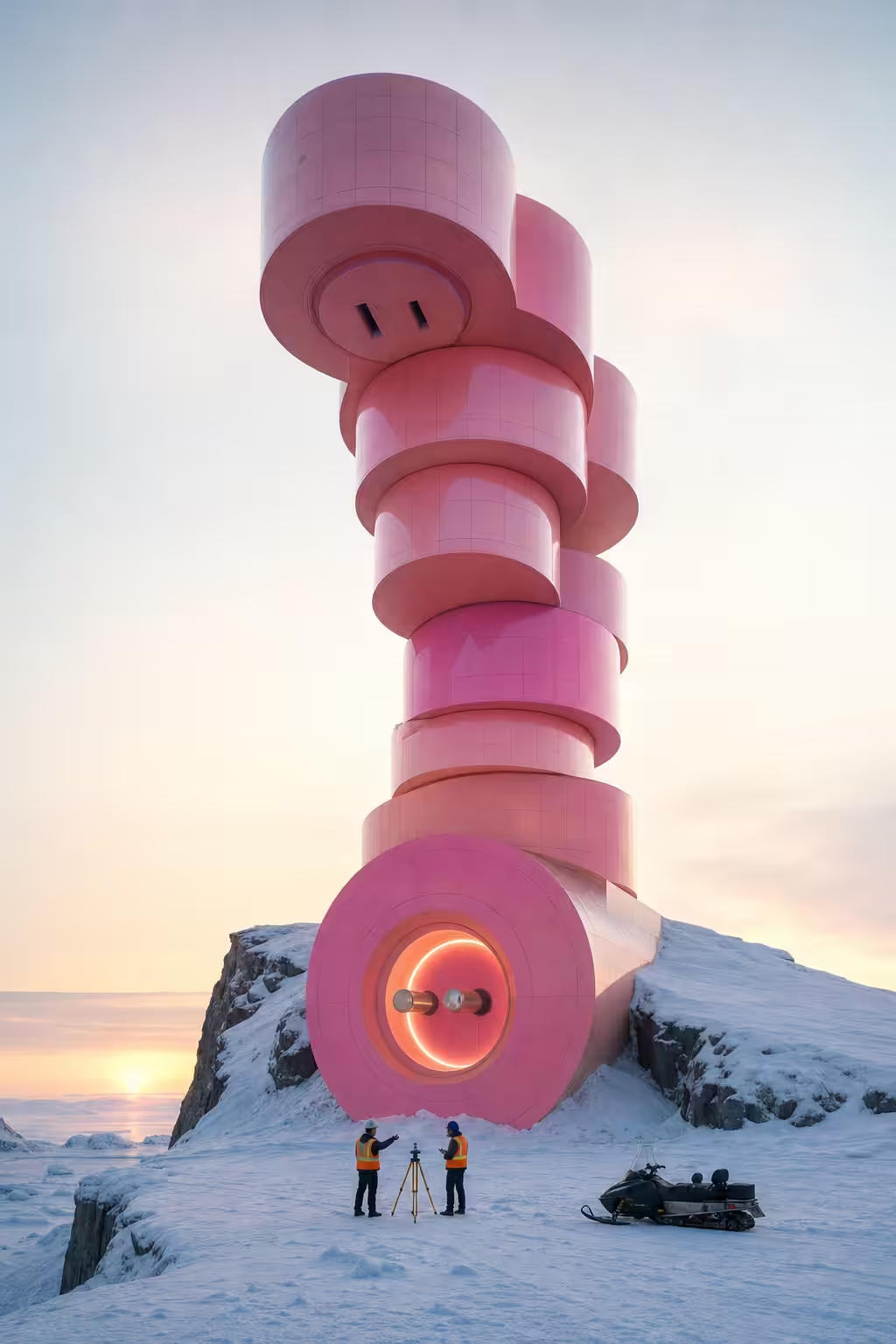 Grid's Greatest Hits, Icebreaker Junction North
A city where apartments are plugs seeking sockets, in glowing pink and peach nanoglass.
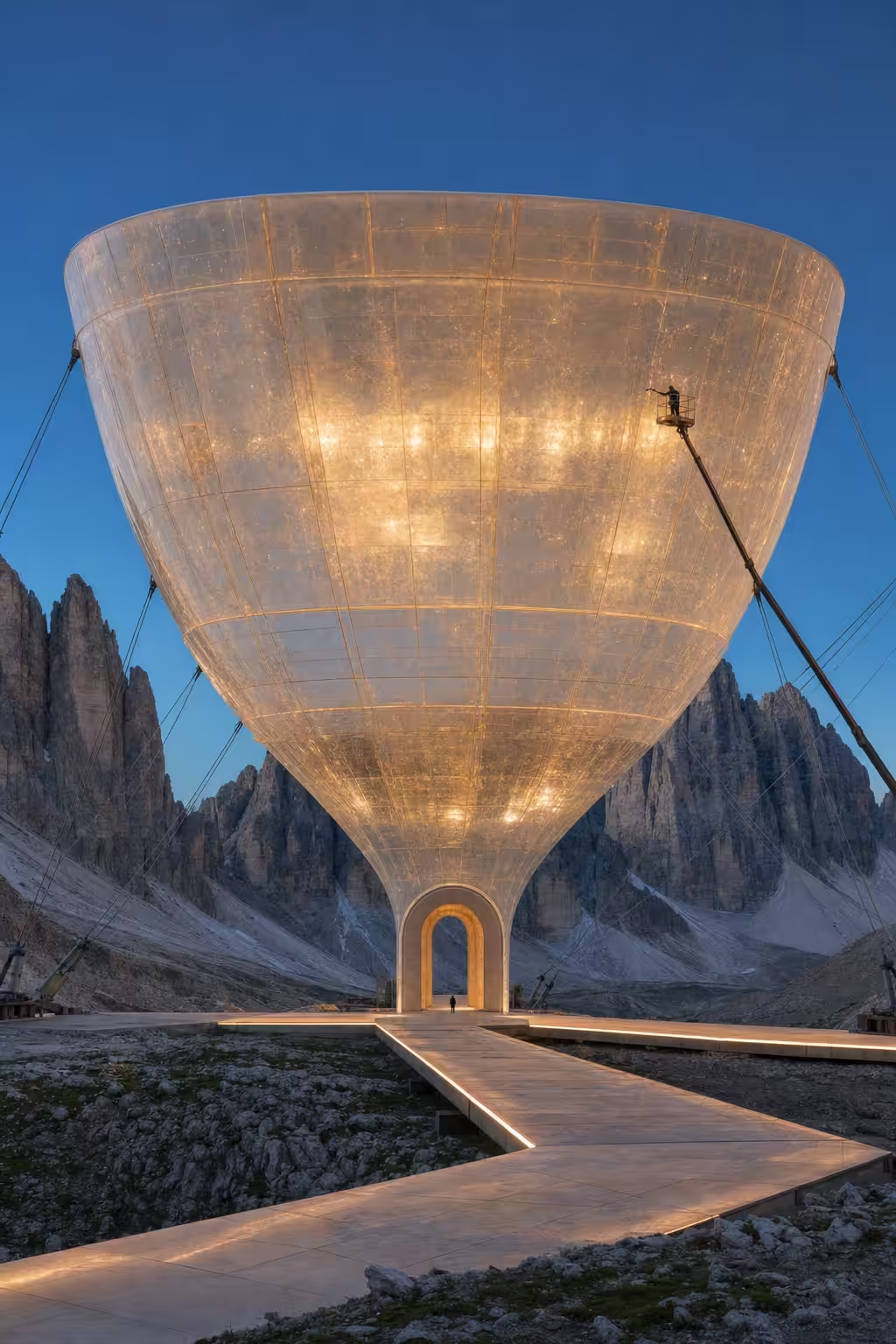 Spectator Housing Experience, Tre Floating Chalice
A floating stadium seat made of glowing quartz.
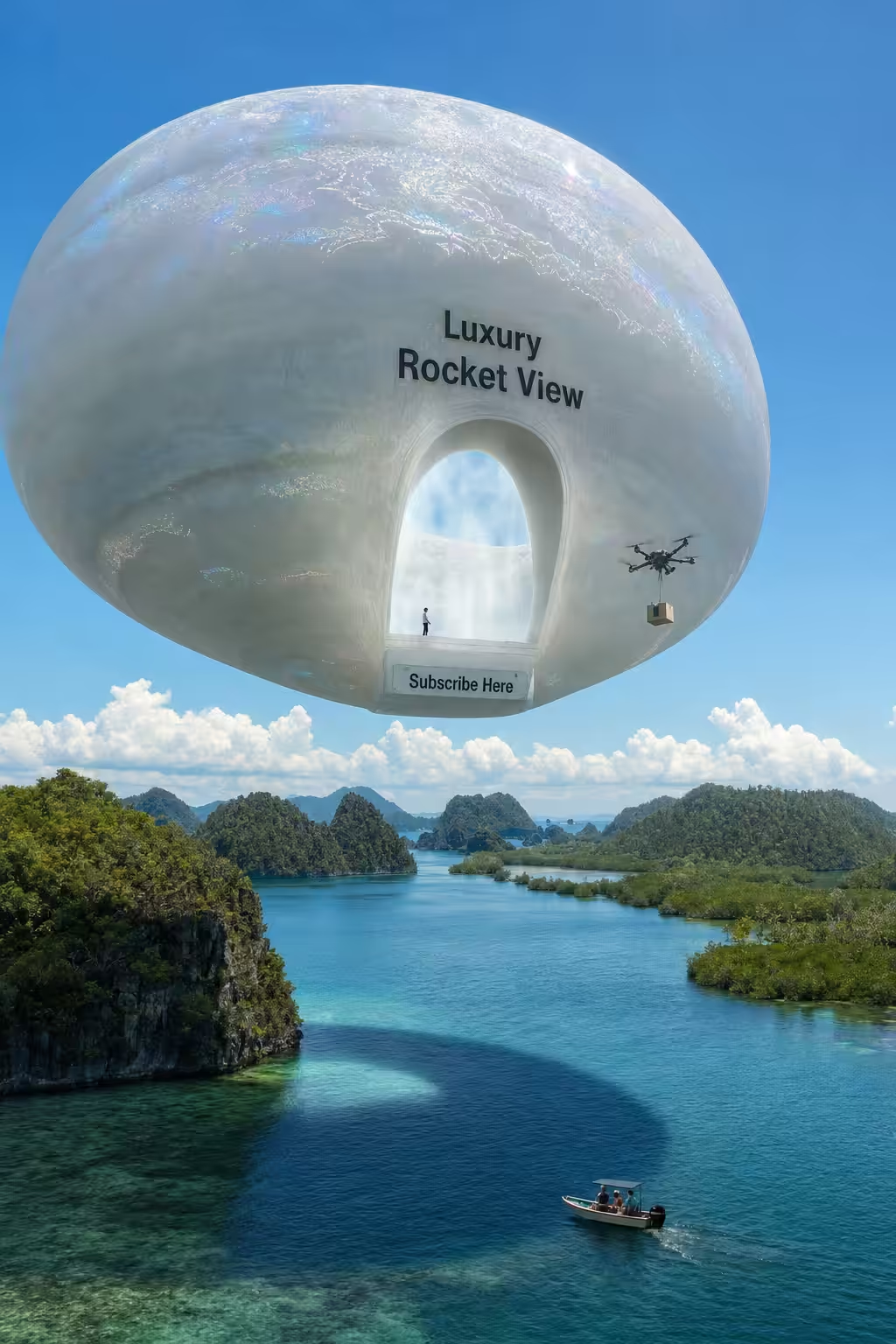 Jellyfish Launch Pad, Raja Ampat Atmospheric Engage
Colossal torus mimicking rocket exhaust, iridescent surface.
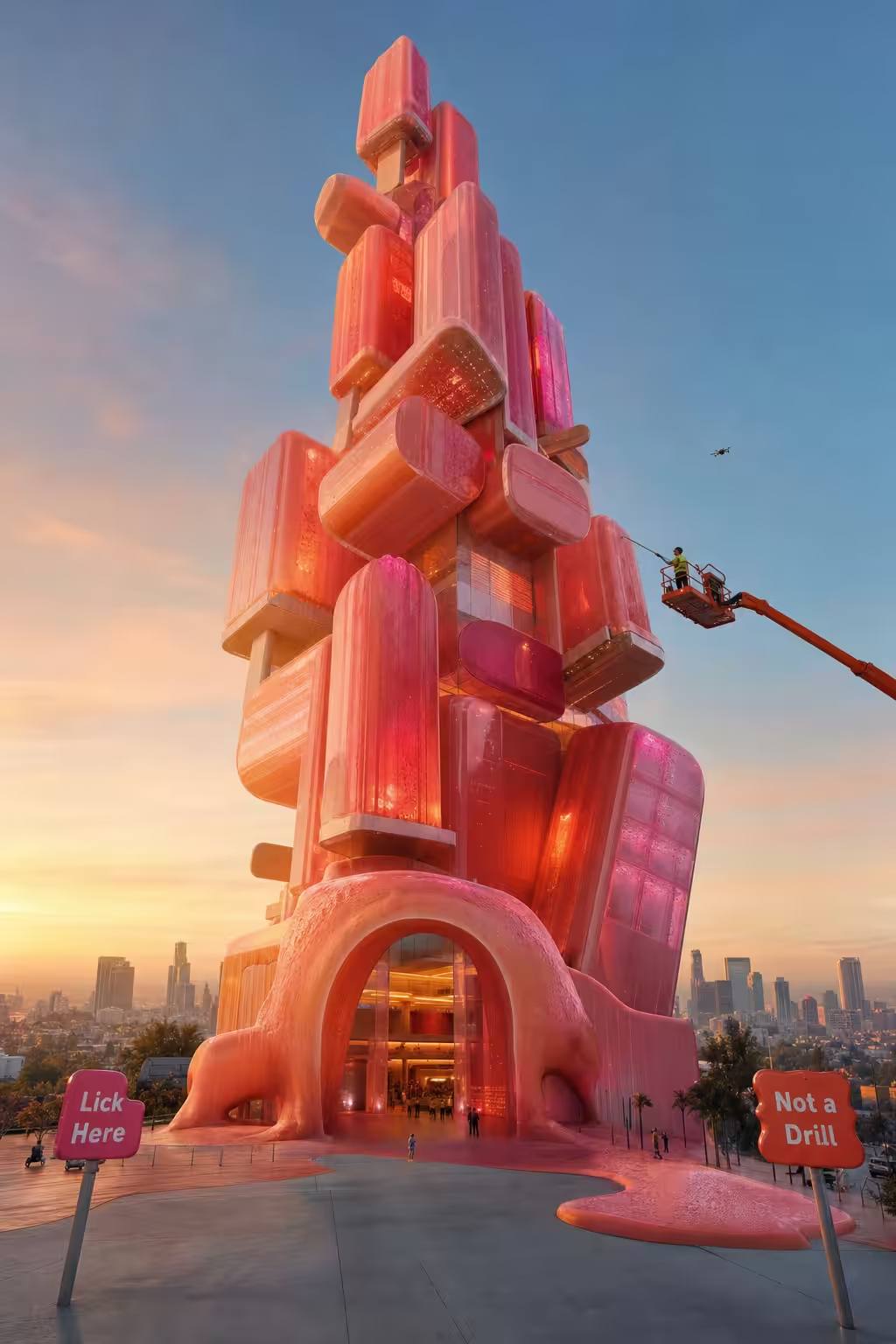 The Lickable Museum of Ice, Los Frostgeles Convention
Giant popsicle building with bio-luminous glow
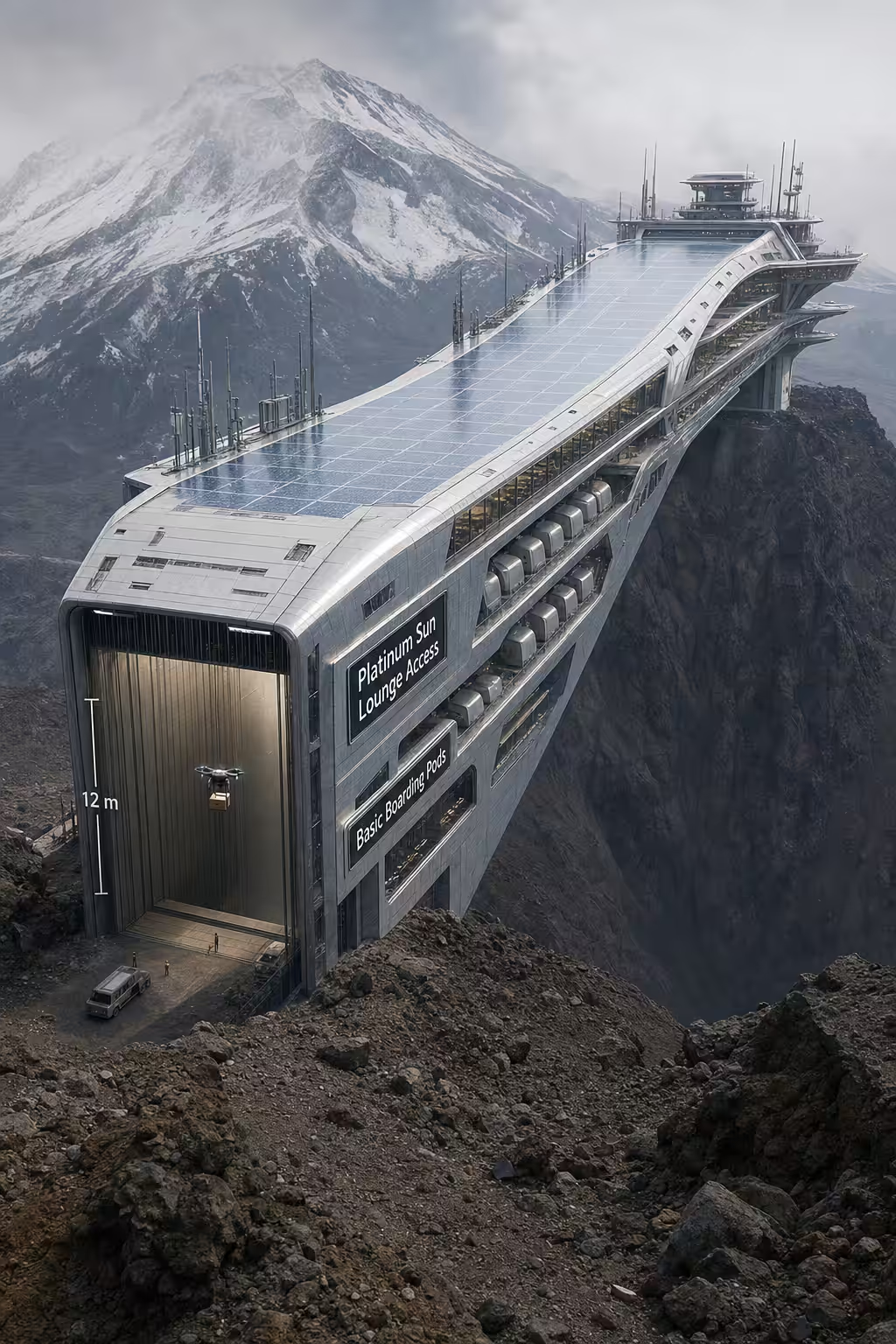 Boarding Pass Terminal, Mount Frequent Flyer
Colossal boarding pass terminal with tiered lounges and barcoded entrance.
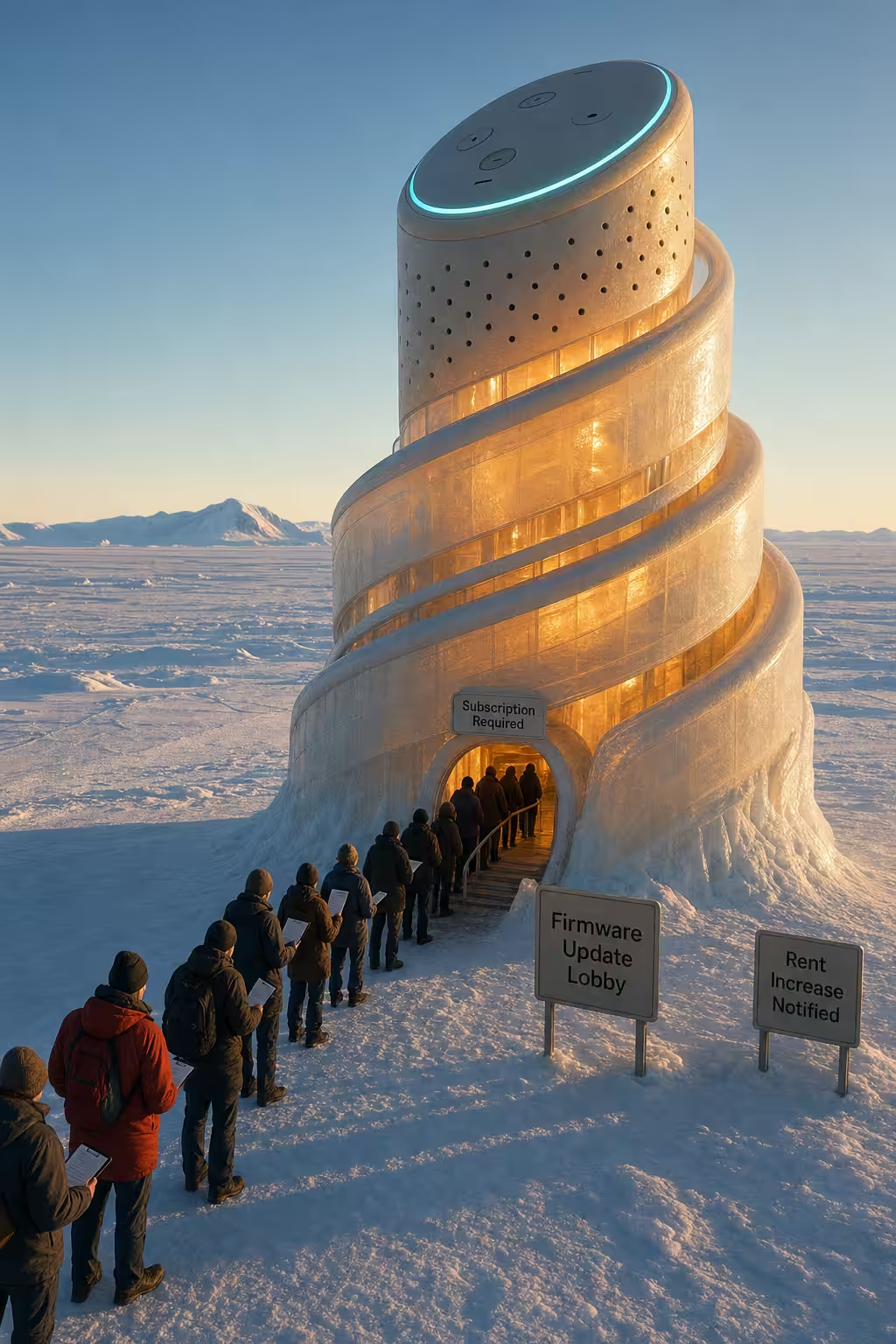 Rent Control Firmware Lounge, Ellsworth Logic Hub
A smart home spiral in bio-silica.
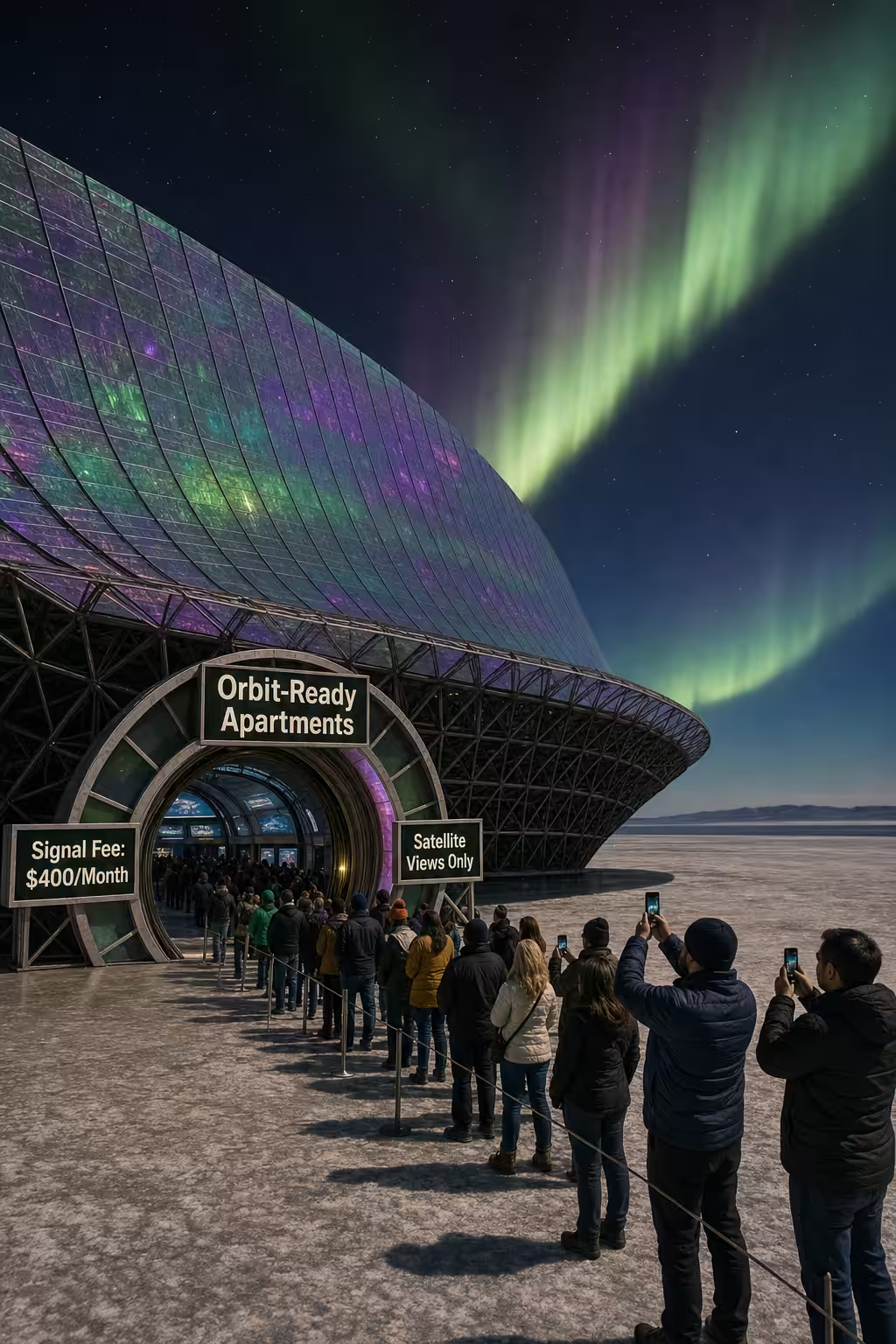 Signal Fee Sanctuary, Orbital Carnegie Adjunct
Satellite dish apartments renting interstellar… for a fee.
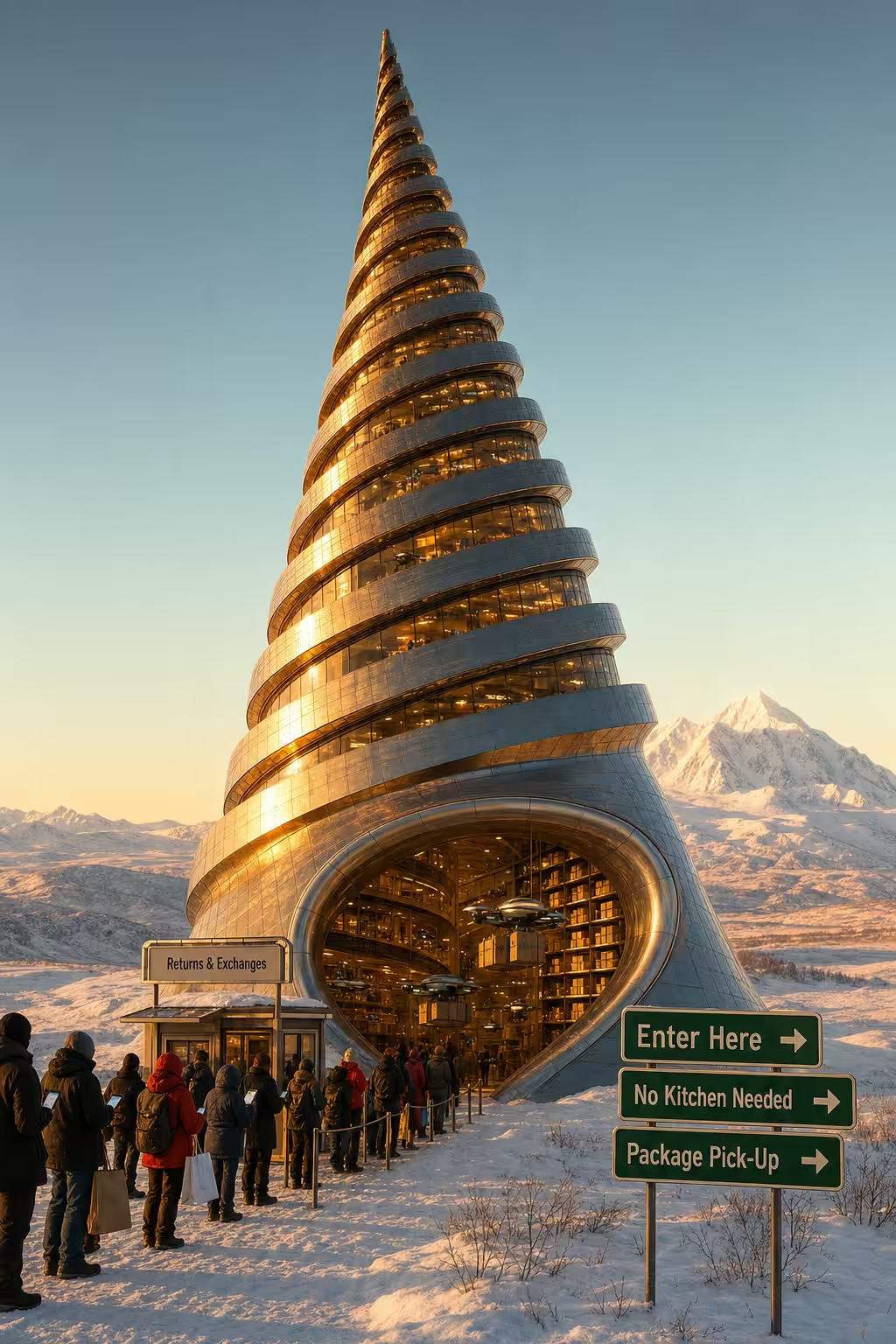 Prime Coil Living, Parcel Peak Municipality
Giant corkscrew tower symbolizes package-only apartments.
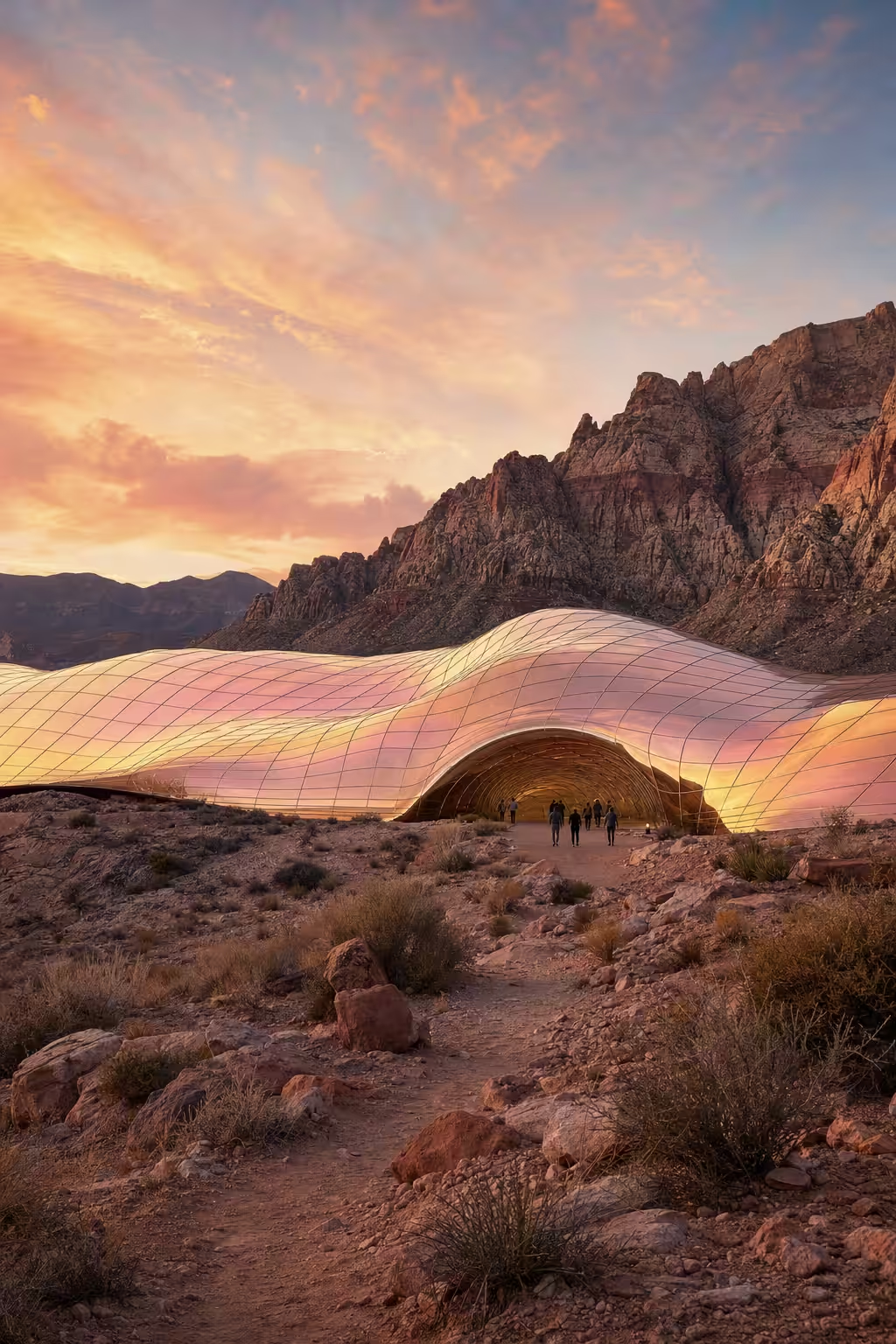 Mortgage Oasis, Red Rock Continuum
Undulating electrochromic membrane reflecting sunrise hues across a desert landscape.
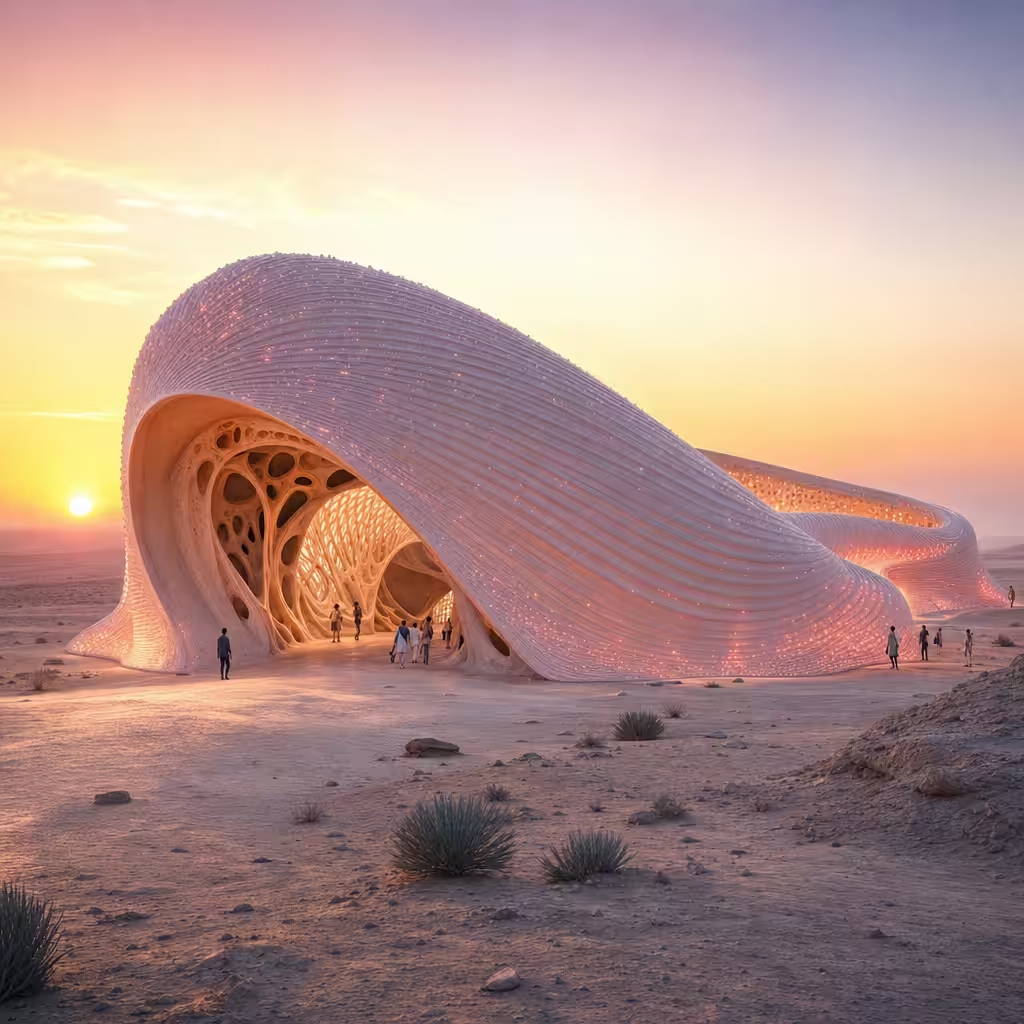 Please Do Not Feed The Sandworm, Sonoran Dunes Holdings LLC
A self-healing bio-silica ribbon snakes across the desert floor.
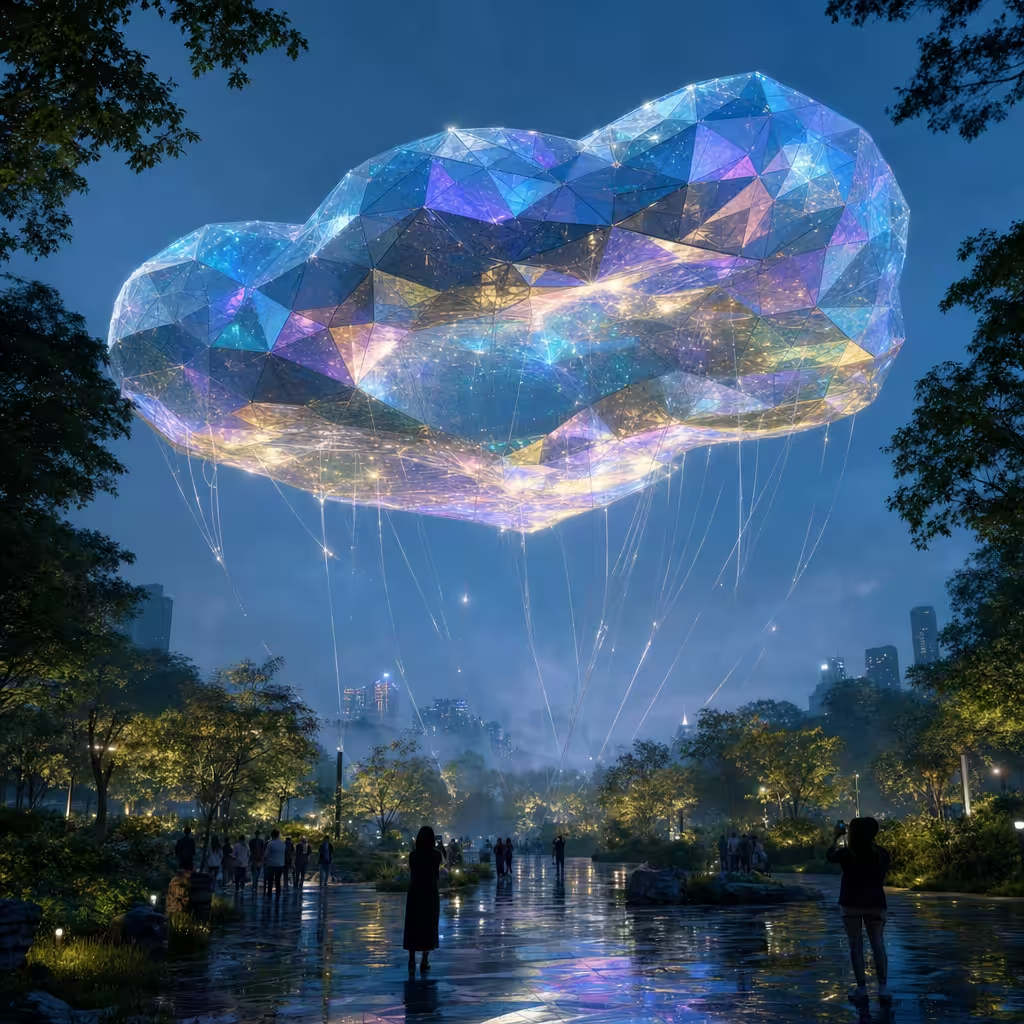 Rent Is In The Air, Tokyo Minus Gravity
A floating crystalline structure tethered by shimmering cables, shifting colors with programmable crystal composites.
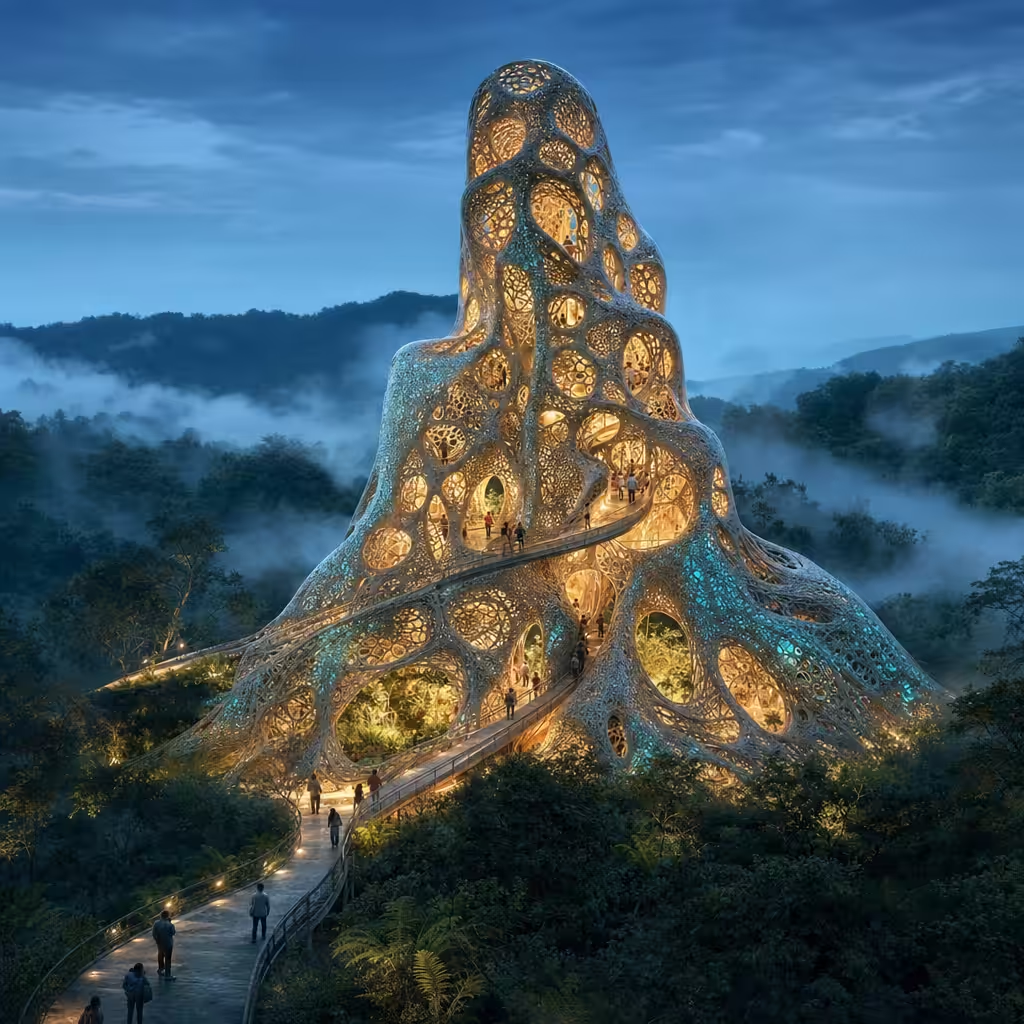 Mycelium Mayhem, Florence Under Fungus
A spiraling edifice grown from a bioluminescent mycelium-composite lattice.
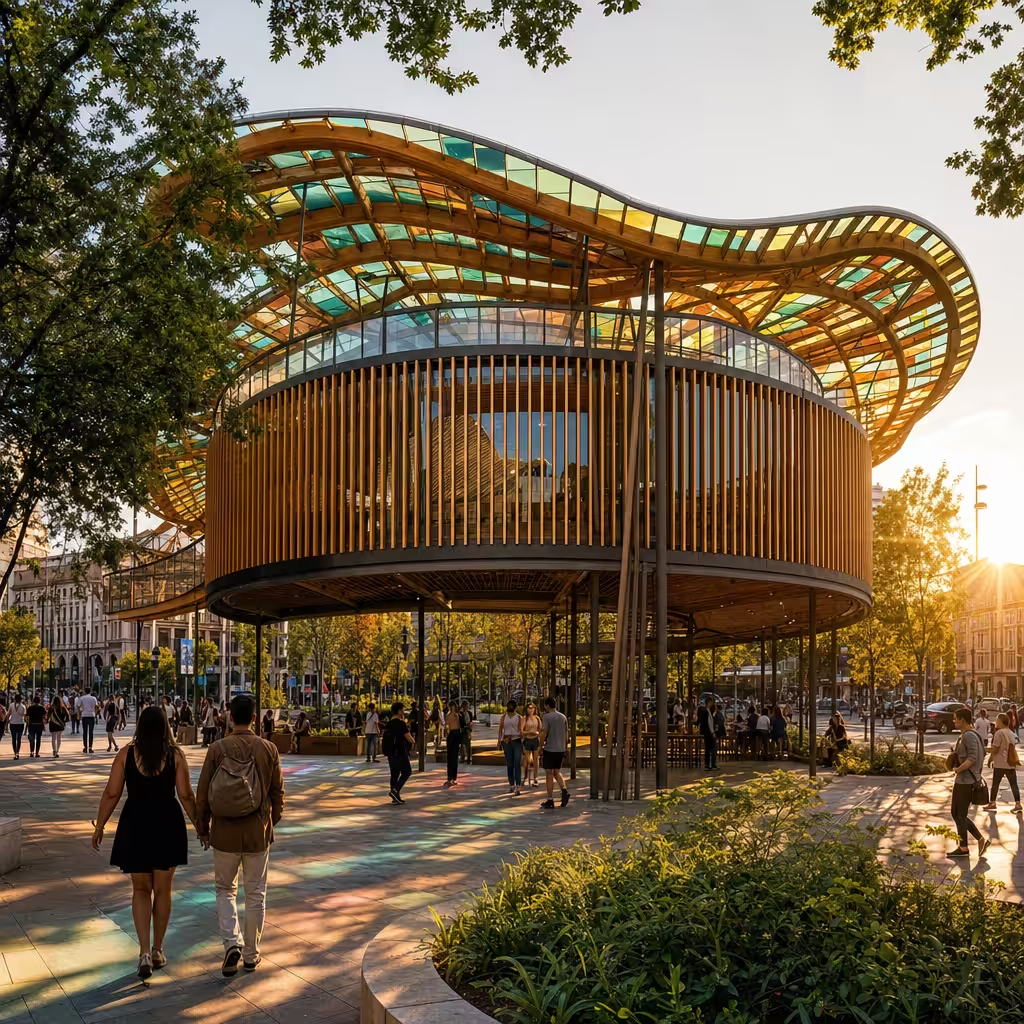 Urban Waves Pavilion
A recycled glass and timber pavilion weaving waves above a public urban plaza.
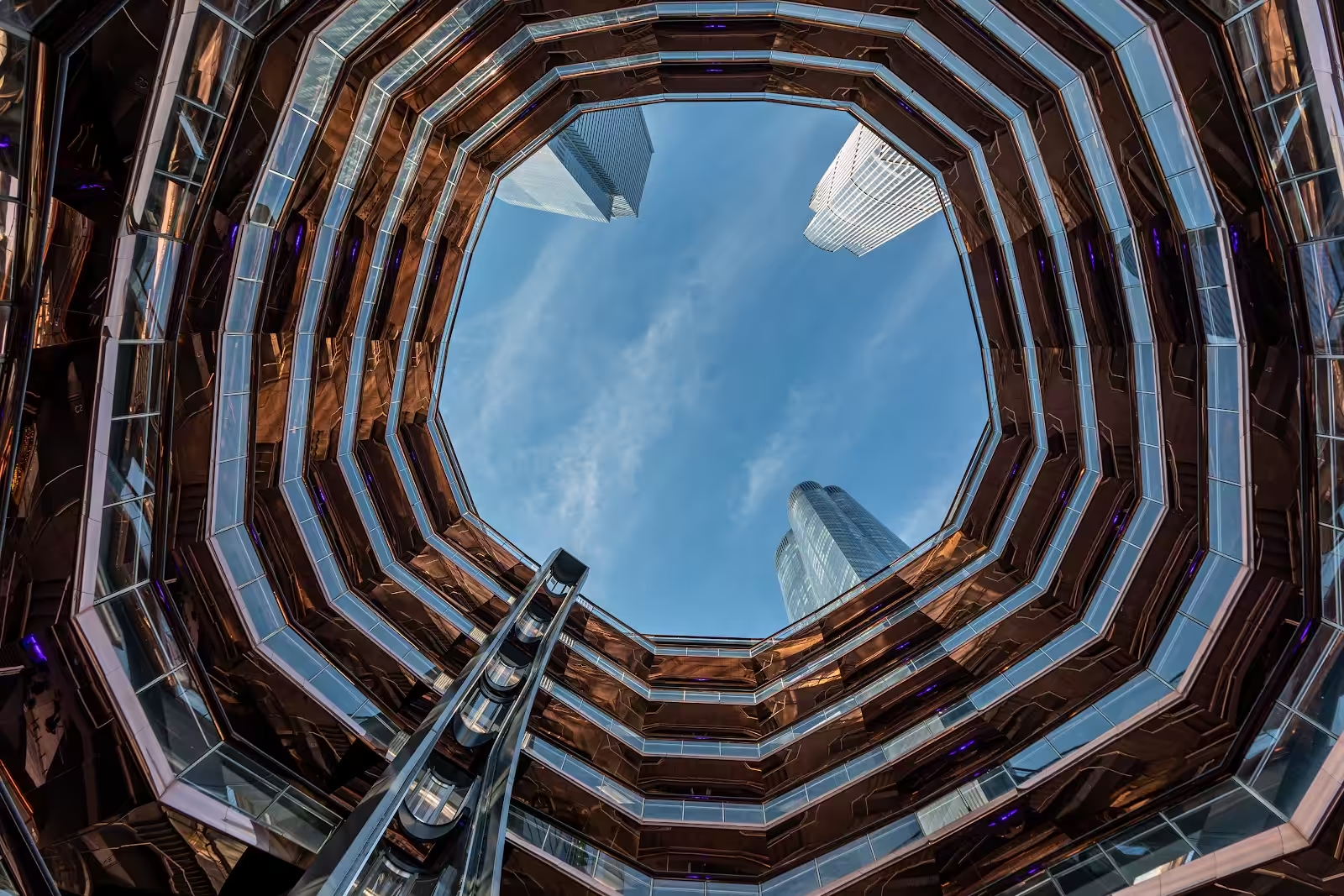 Vessel: A Must-visit At Hudson Yards
Experience the Vessel at Hudson Yards New York like never before. Discover its stunning architecture and breathtaking views. Join the adventure now!
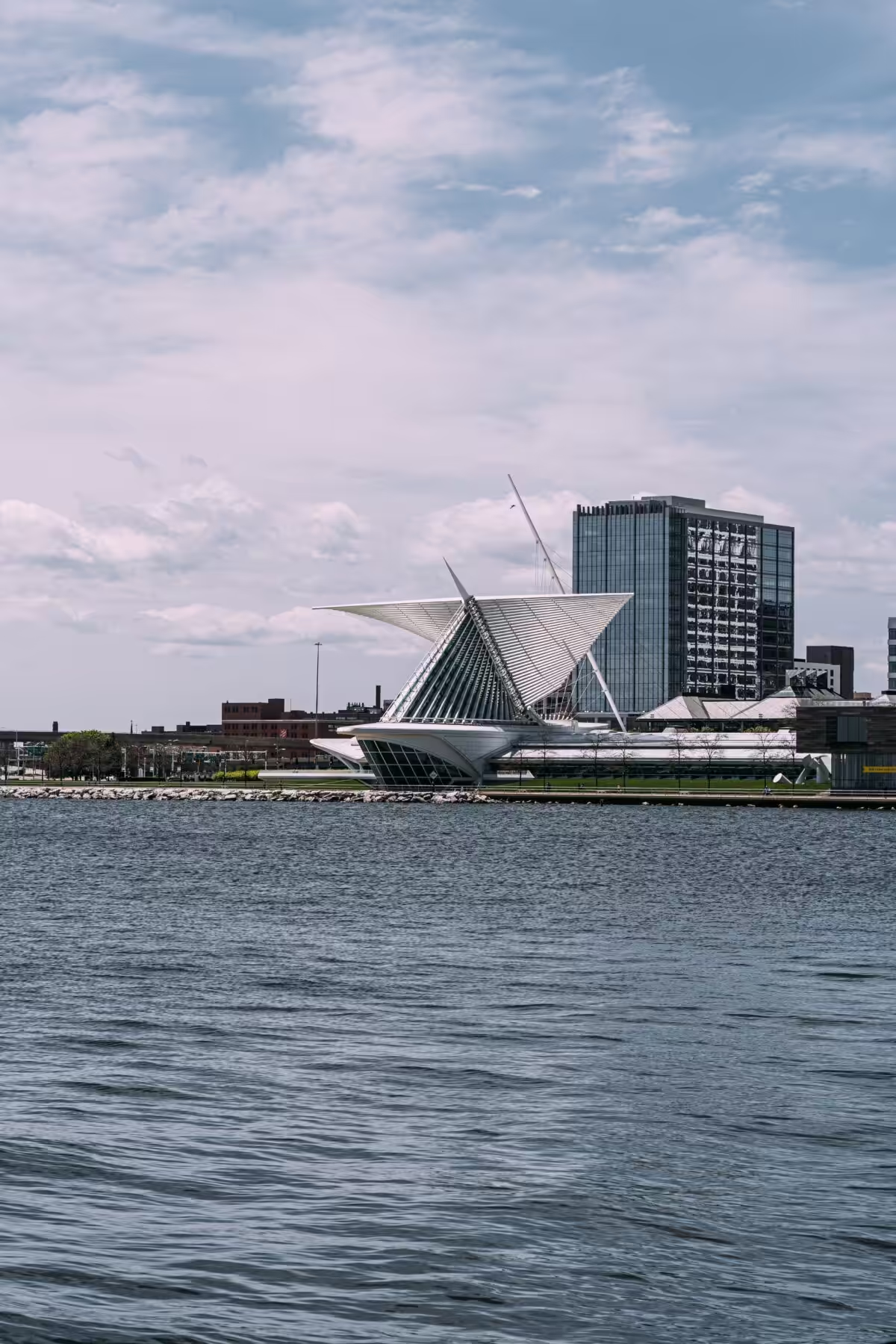 Explore The Milwaukee Art Museum Highlights
Experience the Milwaukee Art Museum in Milwaukee, Wisconsin, a stunning fusion of architecture and art. Discover the creativity and beauty today!